
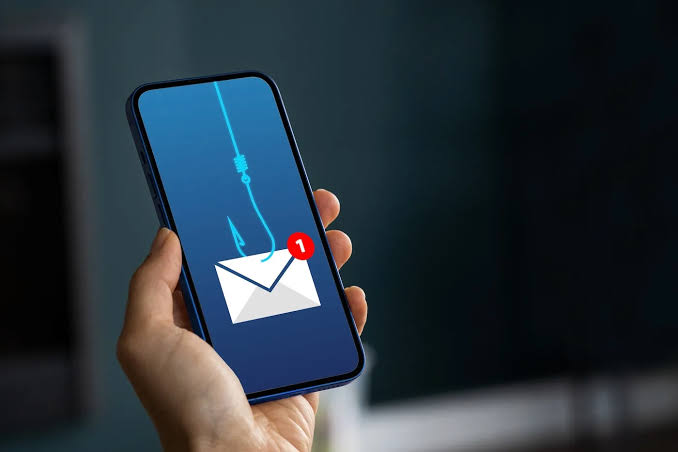
A fake email can look polished enough to pass a quick glance. The safest response is to slow down before clicking, downloading, replying, or sharing account details. Frequent fake emails often rely on urgency and familiarity rather than sophisticated technology, so a few careful checks can expose many phishing attempts before they cause damage.
Look Beyond the Display Name
A familiar company name in the sender field doesn’t prove the message came from that organization. Expand the sender details and inspect the actual email address. Misspelled domains, unrelated addresses, and unusual combinations of letters and numbers deserve caution.
People encounter messages through email alongside general online reading, social feeds, newsletters, and other digital channels. Treating every unexpected message as unverified until its origin makes sense is a simple habit that reduces unnecessary risk.
Watch the request, not only the design
Logos, colors, signatures, and professional formatting can be copied. Pay closer attention to what the sender wants you to do. Requests for passwords, payment details, verification codes, or immediate account action deserve independent confirmation.
Urgency Is a Common Pressure Tool
Phishing messages often create a short deadline: an account will close, a delivery will fail, or a payment must be confirmed immediately. The pressure is designed to reduce the time you spend checking details.
Browsing digital content streams and other online material can make polished messages feel routine. That familiarity is exactly why the underlying request matters more than how professional the email looks.
| Warning Sign | What You May See | Safer Response |
|---|---|---|
| Urgent demand | “Act now” language | Verify separately |
| Strange sender | Misspelled domain | Check official contact |
| Unexpected link | Login or payment request | Don’t open it |
| Odd attachment | Unrequested document | Confirm first |
Verify Through a Separate Channel
If an email appears to come from your bank, employer, delivery service, or subscription provider, don’t use the contact information inside the suspicious message. Open the company’s official app, type its known website address yourself, or use a trusted phone number already saved in your records.
The same principle applies when moving among web publishing spaces, forums, and other online resources: the presence of a familiar name or link isn’t proof of authenticity. Verification should happen through a route you control.
The Federal Trade Commission also advises contacting an organization through a phone number or website you already know is genuine when an unexpected message asks you to click or provide information.
What People Often Get Wrong
One mistake is assuming bad grammar always exposes phishing. Some fake emails are poorly written, but others are clean, personalized, and visually convincing.
Another mistake is believing a message must be safe because it contains accurate information about you. Names, job titles, public business details, and leaked account information can be used to make fraudulent messages more believable. Good phishing detection depends on checking the request and sender, not waiting for obvious mistakes.
Frequently Asked Questions
Should I click a suspicious link to see where it goes?
No. Opening an unknown link can expose you to fake login pages or harmful downloads. If the message appears connected to a real account, reach that account independently through its official app or a known web address.
Can a phishing email come from someone I know?
Yes. An acquaintance’s account may be compromised, or a sender address may be impersonated. An unexpected request for money, files, passwords, or sensitive information should be confirmed through another communication method.
What should I do after receiving a fake email?
Avoid interacting with its links or attachments. Mark it as spam or phishing through your email provider when appropriate, then delete it. If you already shared sensitive information, secure the affected accounts promptly.
Make Verification Your Default
Phishing works best when a message convinces you to act before checking. Build a habit of inspecting sender addresses, questioning urgent requests, and opening important accounts independently instead of following unexpected links. A minute spent verifying an email is far easier than recovering an account after information has already been exposed.