
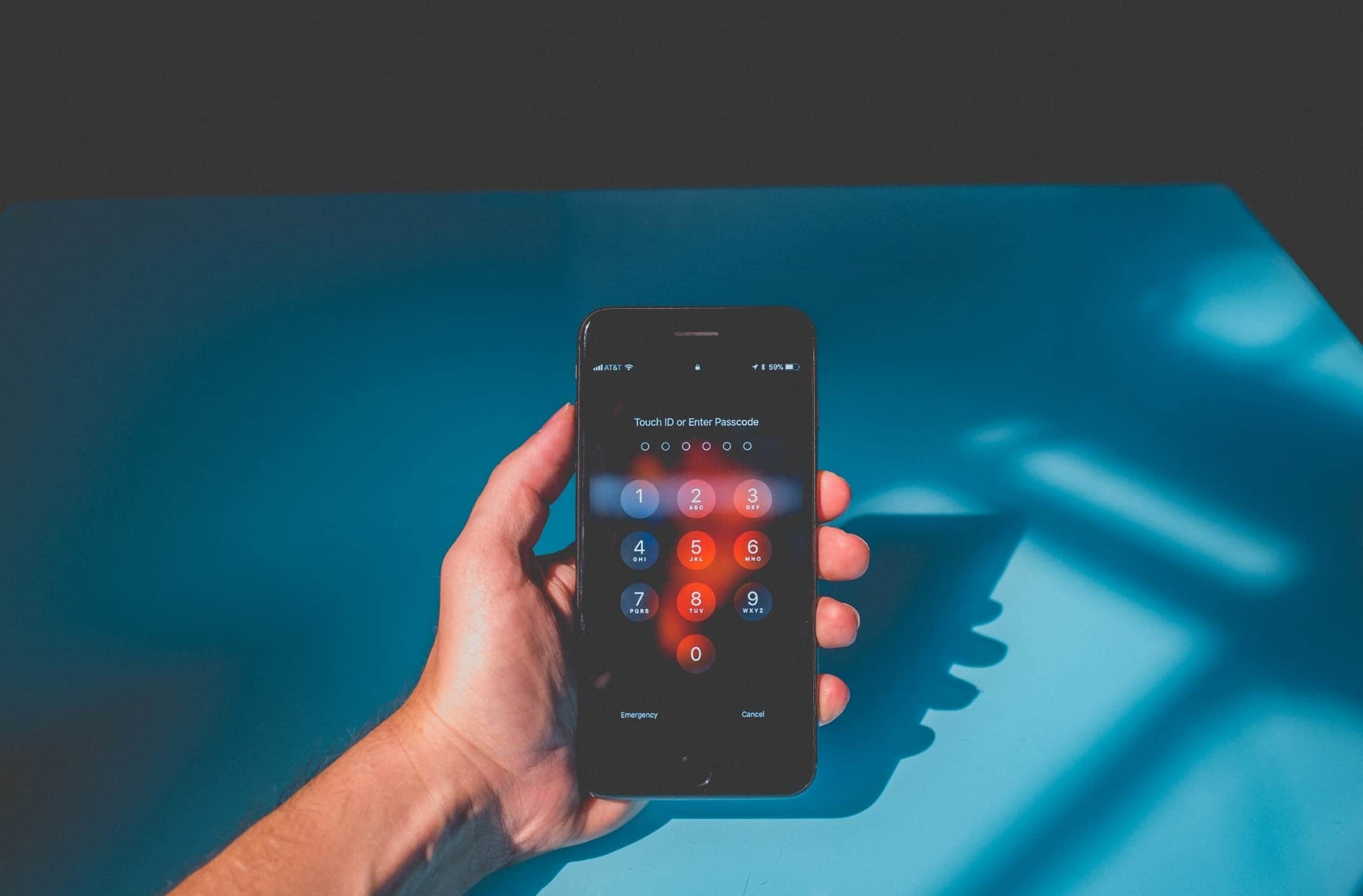
Repeated account hacking often starts with a simple weakness: the same password is being reused across several services. Once one site exposes or leaks those credentials, attackers may try the same email and password combination elsewhere.
Strong, unique passwords reduce that risk. Security improves further when password management, multi-factor authentication, and account-recovery settings all work together.
Why Password Reuse Creates a Bigger Problem
A reused password links otherwise unrelated accounts. If your shopping account and email account share the same credentials, a compromise involving one service can potentially create problems with the other.
People who manage many online accounts may come across general digital reading while researching security habits, but the basic rule remains simple: each important account should have its own password.
Long passwords are generally easier to strengthen than short, predictable ones. Avoid building passwords from names, birthdays, keyboard patterns, or slight variations of a password you already use elsewhere.
Make Unique Passwords Easier to Manage
Remembering dozens of unrelated passwords isn’t practical for most people. A reputable password manager can generate and store separate credentials so you don’t need to memorize every password yourself.
Broader online information resources can introduce different approaches to digital organization, although your password vault deserves stronger protection than ordinary accounts. Give its master password special attention and enable additional authentication when supported.
The biggest benefit isn’t convenience alone. Password managers make password reuse less tempting because you no longer need one familiar password for everything.
| Security Habit | Weak Pattern | Better Approach |
|---|---|---|
| Password creation | Short familiar phrase | Long unique password |
| Account access | Password only | Add multi-factor authentication |
| Recovery setup | Old phone or email | Keep recovery details current |
| Storage | Notes or reused memory | Protected password manager |
Add Another Barrier With Multi-Factor Authentication
Even a good password can be exposed through phishing, malware, or an unrelated breach. Multi-factor authentication adds another verification step before someone can enter the account.
While browsing broader web topics, remember that links arriving through unexpected emails or messages deserve extra caution. A convincing login page can still be fake.
Whenever possible, open important services directly through a saved bookmark, official app, or manually entered address instead of following an unexpected login link.
Protect Your Email First
Your primary email account deserves priority because password-reset messages for other services often arrive there. Losing control of email can make recovery of several connected accounts more difficult.
Give your email a completely unique password, enable additional authentication, and review its recovery phone number and backup email periodically.
Review Accounts After Suspicious Activity
Changing a password is useful, but don’t stop there if an account has already been accessed unexpectedly. Review active sessions, connected devices, forwarding rules, recovery information, and unfamiliar applications with account access.
Sign out of sessions you don’t recognize. If the same old password was used elsewhere, replace it on those accounts too rather than waiting for another problem.
Security alerts can also reveal patterns. Several unexpected reset emails or login attempts across different services may indicate that exposed credentials are being tested more widely.
Where People Commonly Go Wrong
One mistake is changing a compromised password from Summer2025! to Summer2026!. That feels different to a person but remains highly predictable.
Another mistake is relying only on complexity. A complicated password reused on ten websites still creates a shared point of failure. Unique credentials matter as much as strength.
People also forget recovery settings. An outdated recovery email or phone number can turn a manageable security incident into a difficult account-recovery problem.
Frequently Asked Questions
Should every online account have a different password?
Ideally, important accounts should use unique passwords. This prevents one exposed password from automatically creating access opportunities across email, banking, shopping, social media, and other services.
What should I protect first after an account is hacked?
Secure the affected account and your primary email first. Change reused credentials, check recovery information, review active sessions, and enable stronger authentication where available.
Is changing passwords regularly enough?
Routine changes alone don’t solve password reuse or phishing. Unique credentials, secure storage, multi-factor authentication, and careful login habits usually provide a stronger overall approach.
Build Security Around Unique Credentials
Treat each important online account as a separate lock rather than giving every door the same key. Start with email and other high-value accounts, replace reused passwords, and strengthen authentication options.
Once unique passwords become the default, one compromised service is less likely to create a chain reaction across your digital life.